System Unset — Disarming Your System
When you arrive home, you need to disarm ("unset") your alarm system. This is also how you cancel an alarm if one has been triggered.
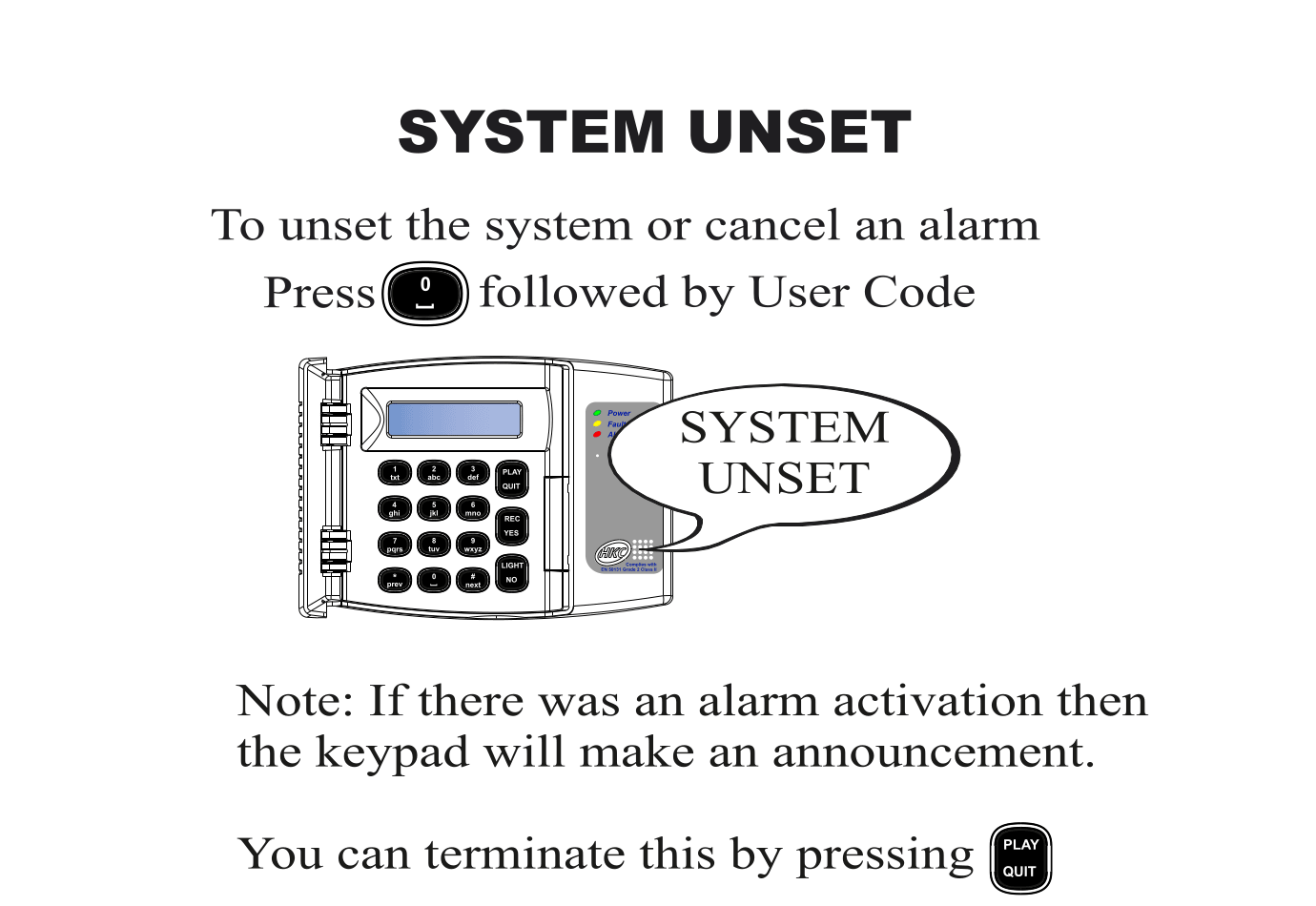
How to Disarm
- Press 0 followed by your User Code
- The keypad displays "SYSTEM UNSET"
- Your system is now disarmed and you can move freely
How to Cancel an Active Alarm
If the alarm is sounding (siren active), you can stop it by entering your code:
- Press 0 followed by your User Code
- The siren stops and the keypad displays "SYSTEM UNSET"
- The keypad will then make a voice announcement telling you what triggered the alarm
- To silence the announcement, press PLAY / QUIT
tip
After cancelling an alarm, check the area for any signs of intrusion before investigating further. If you are unsure, contact the authorities first.
note
If your system requires a Remote Reset after a confirmed alarm, you will not be able to re-arm until the reset is completed. See the Remote Reset section for instructions.