Proximity Tag — Contactless Arm & Disarm
If your system has been set up with proximity tags, you can arm and disarm your alarm without typing a code — simply bring the tag close to the keypad.
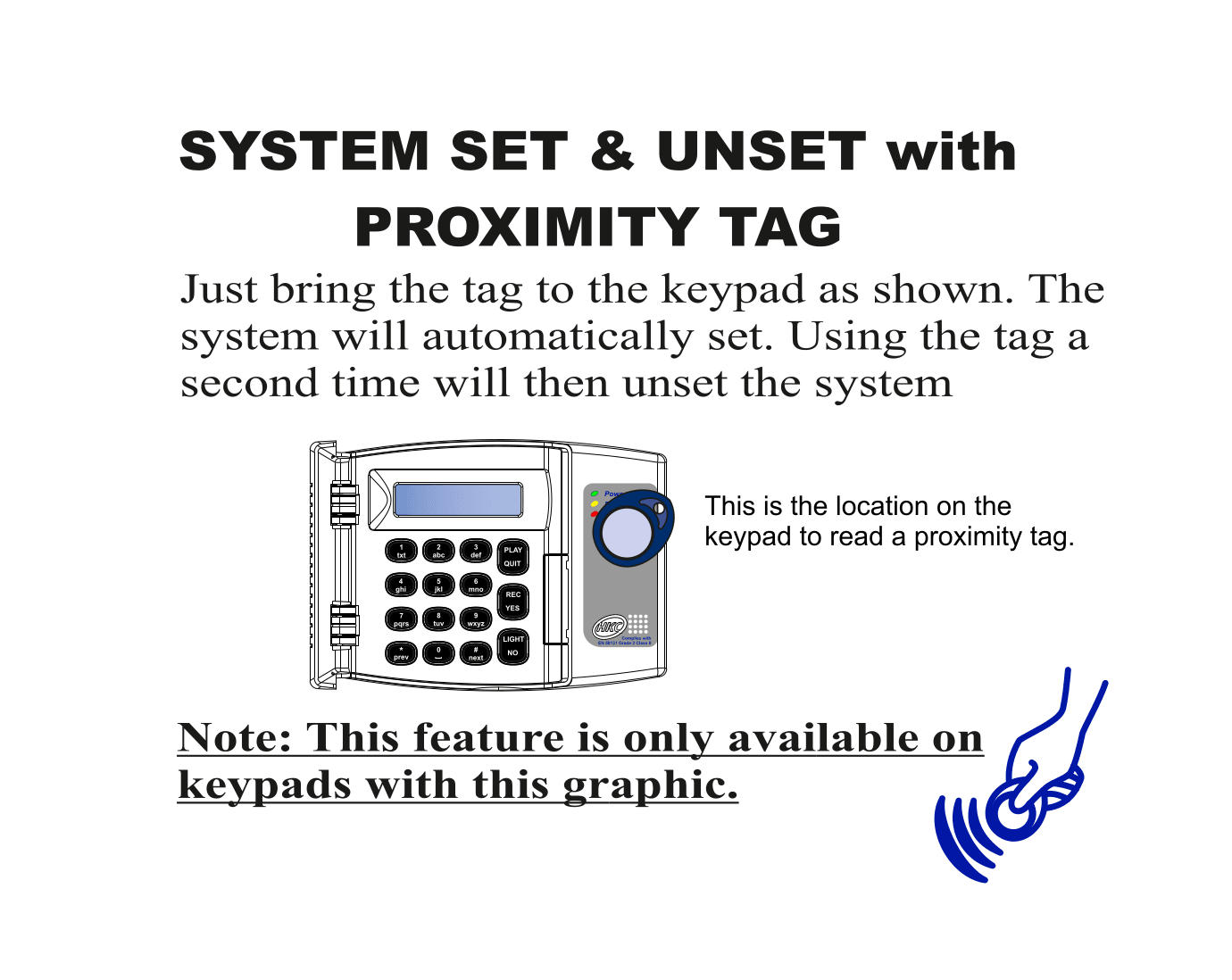
How to Use
- To arm the system: Bring your proximity tag close to the tag reader area on the keypad
- The system will automatically arm (set)
- To disarm the system: Bring the same tag close to the keypad a second time
- The system will automatically disarm (unset)
Where is the Tag Reader?
The tag reader is located on the bottom-right area of the keypad. Simply hold or wave your tag near this spot.
Keypad Compatibility
This feature is only available on keypads with the proximity tag reader symbol (a small hand/wave icon on the keypad). If your keypad does not have this symbol, it does not support proximity tags.
Tips
tip
- Keep your proximity tag on your keyring for easy access
- Each user can have their own tag — your installer can set this up
- If your tag is lost or stolen, contact your installer immediately to deactivate it
warning
Treat your proximity tag like a key to your home. Anyone with your tag can arm or disarm your alarm system.