Quick Arm — Arm Without Exit Timer
If your system does not have an exit timer, or you want to arm instantly without a countdown, use Quick Arm. The system arms immediately — there is no exit delay.
When to Use Quick Arm
- You are already outside the protected area before arming
- Your keypad or keyfob is located outside the protected zones
- Your installer has configured the system without an exit timer
tip
If you need time to leave the building after arming, use Full Set instead — it gives you an exit countdown.
Steps
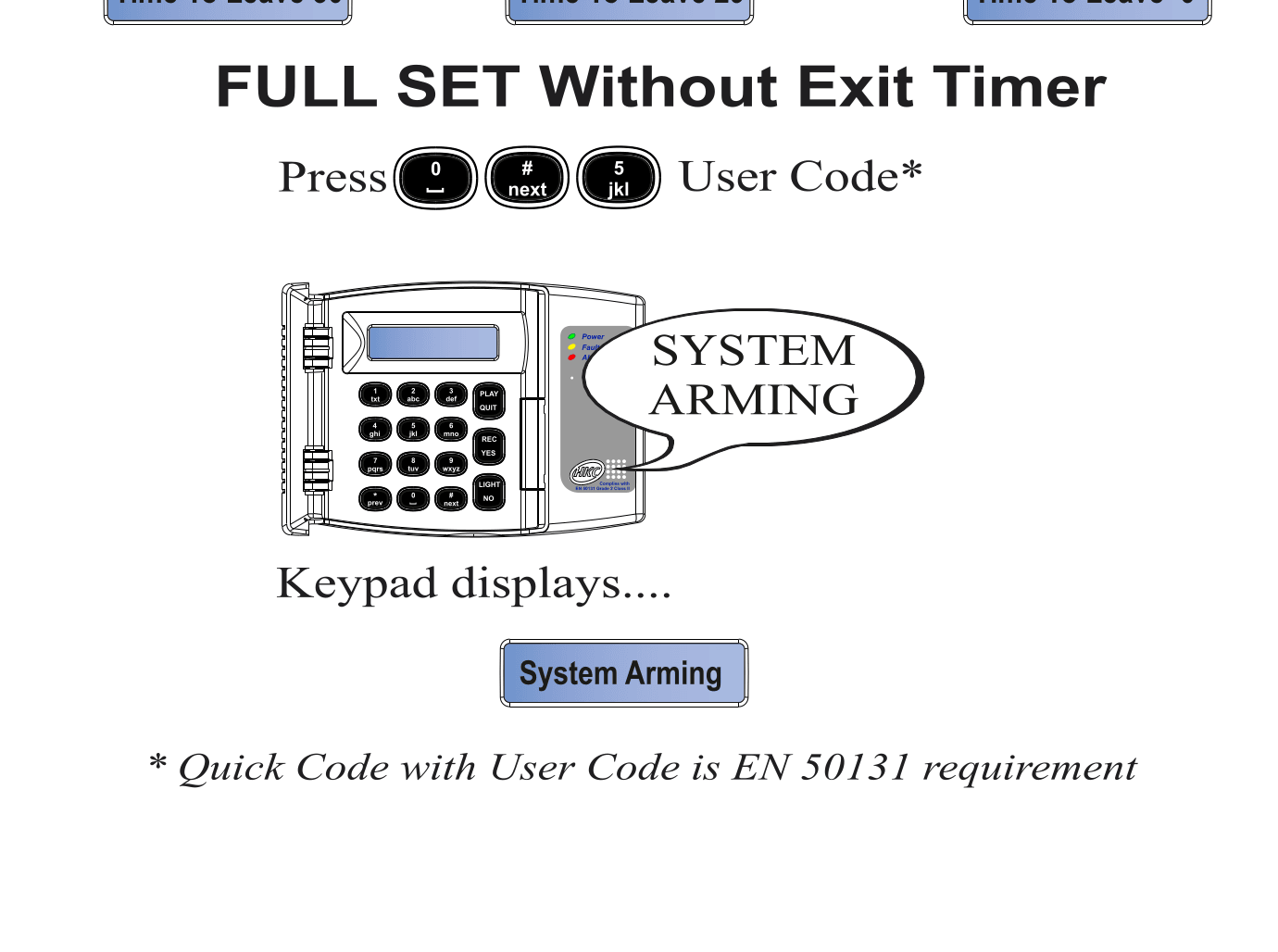
- Press 0 # 5 followed by your User Code
- The keypad displays "System Arming"
- The system is armed immediately — there is no countdown
warning
With no exit timer, you must be outside the protected area before arming, or use a keypad/keyfob located outside the protected zones. If you are inside a protected zone when arming, the alarm will trigger immediately.
Quick Arm vs Full Set
| Feature | Full Set (with timer) | Quick Arm (no timer) |
|---|---|---|
| Key sequence | 0 + Code or 0 # 4 + Code | 0 # 5 + Code |
| Exit countdown | Yes (typically 30 seconds) | No — arms instantly |
| When to use | Leaving from inside the building | Already outside, or external keypad/keyfob |
EN 50131
Quick Code with User Code is an EN 50131 requirement.