Part Set — Partial Arming
Part Set allows you to arm only certain areas of your home while leaving other areas unprotected. This is ideal for when you're at home — for example, arming the downstairs doors and windows while you sleep upstairs.
Your system has two Part Set options: Part Set A and Part Set B. Your installer will have configured which zones are included in each.
Part Set A
Partial arming of the system
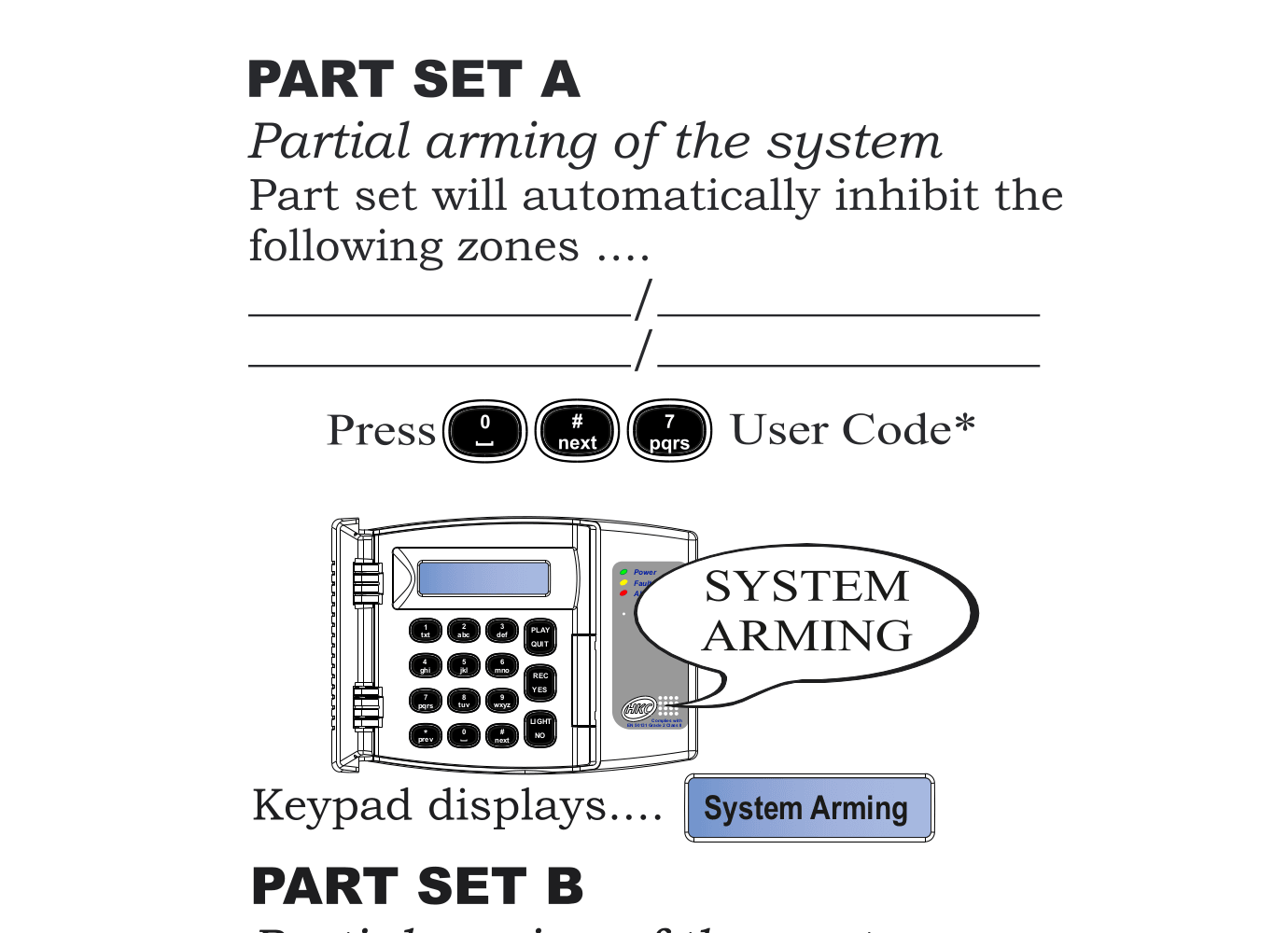
Part Set A will automatically inhibit (bypass) the following zones:
(Your installer will fill in which zones are bypassed for Part Set A)
Steps
- Press 0 # 7 followed by your User Code
- The keypad displays "System Arming"
- Only the zones assigned to System A are now armed
Part Set B
Partial arming of the system
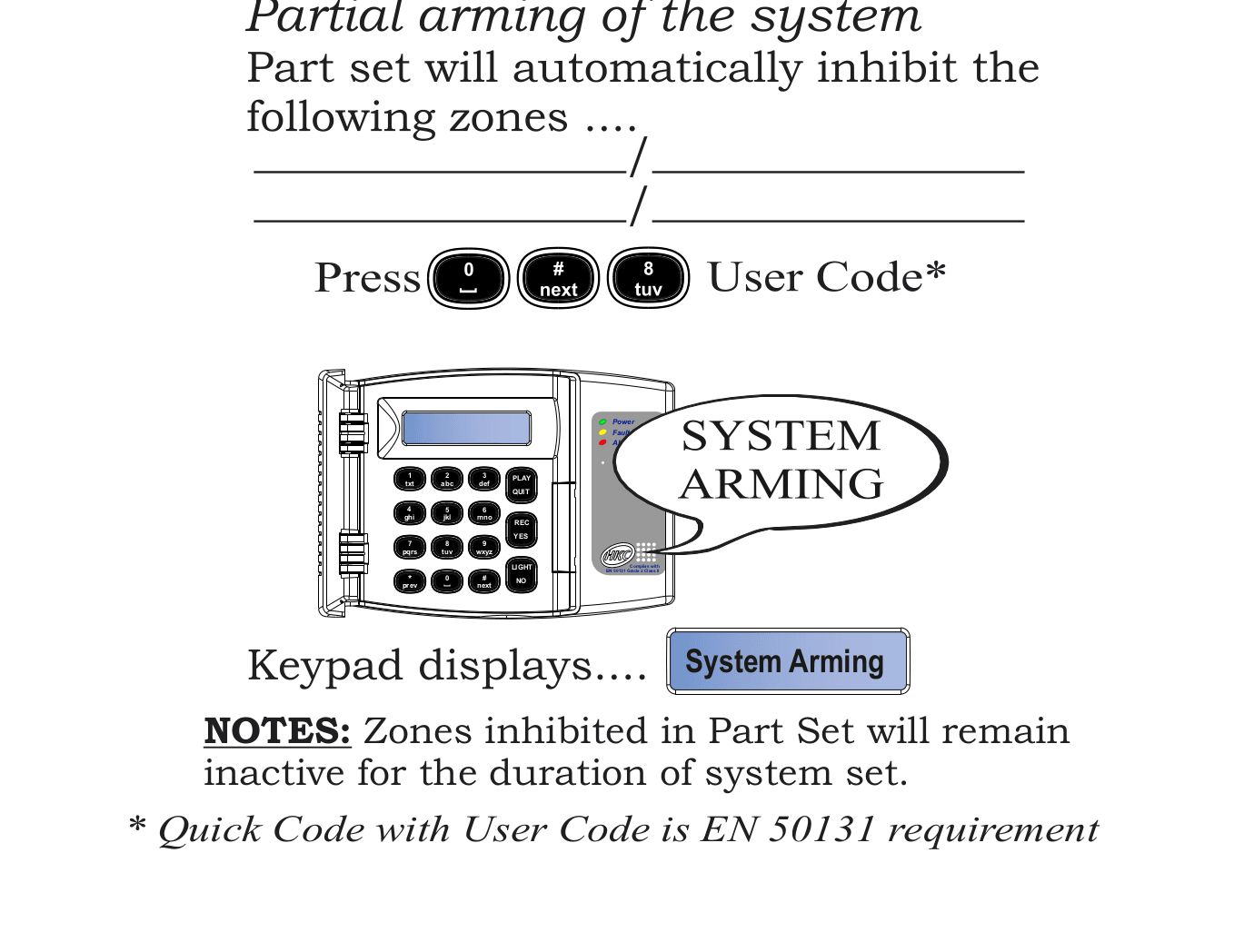
Part Set B will automatically inhibit (bypass) the following zones:
(Your installer will fill in which zones are bypassed for Part Set B)
Steps
- Press 0 # 8 followed by your User Code
- The keypad displays "System Arming"
- Only the zones assigned to System B are now armed
Important Notes
Zones inhibited in Part Set will remain inactive for the duration of the system set. They will not trigger an alarm until you fully unset and re-arm the system.
Quick Code with User Code is an EN 50131 requirement.
- Part Set A — Arm the downstairs while you're upstairs sleeping
- Part Set B — Arm the perimeter while you're inside during the day
- Ask your installer what each Part Set covers in your system