Forced Arming — Arm With Open Zones
Use With Care
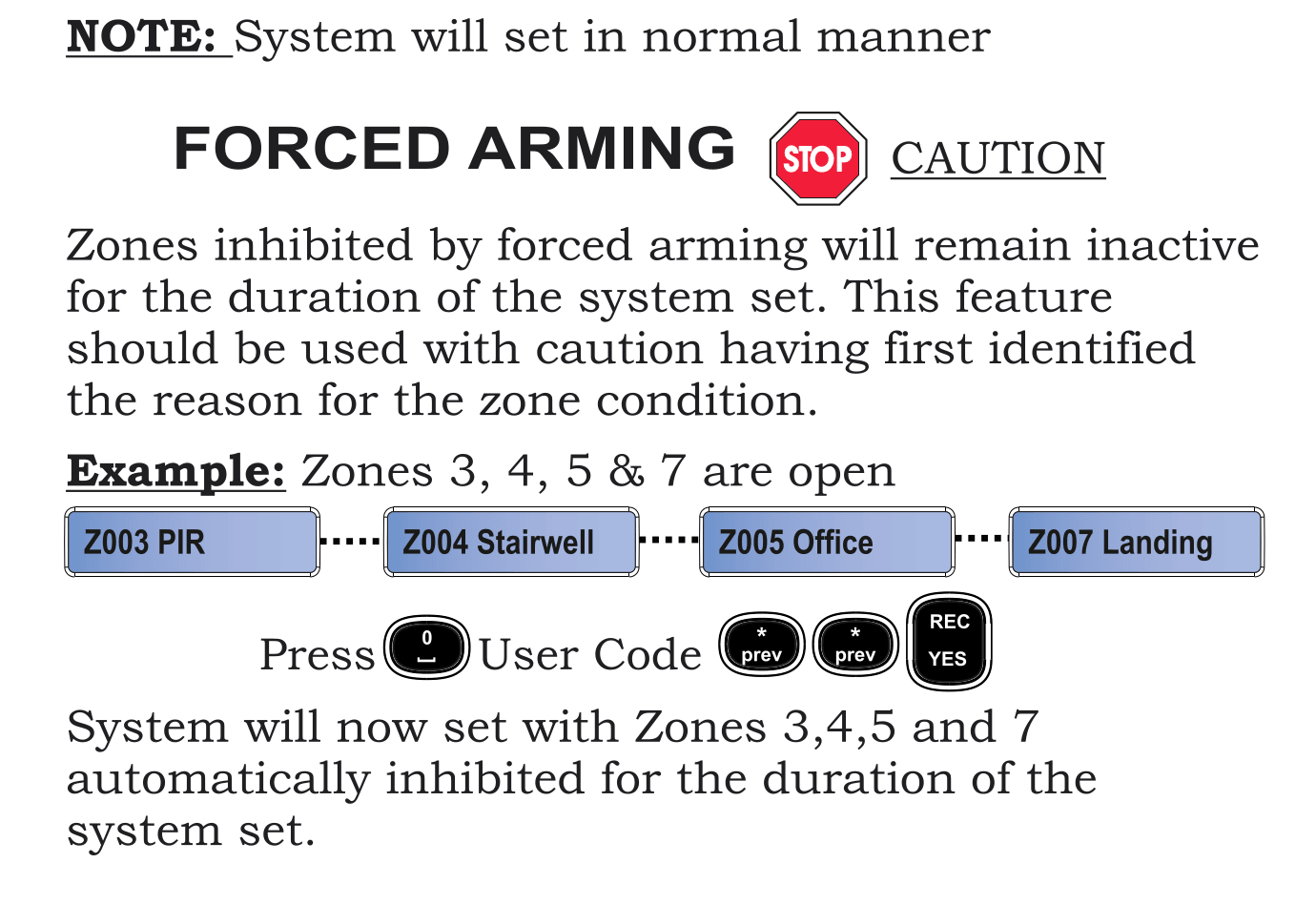
Forced Arming should be used with caution. Always identify the reason zones are open before using this feature. All open zones will remain unprotected for the duration of the system set.
If several zones are open when you try to arm the system, Forced Arming lets you arm the system anyway. All currently open zones are automatically inhibited (bypassed).
Example
Zones 3, 4, 5, and 7 are currently open. The keypad scrolls through them:
Z003 PIR ... Z004 Stairwell ... Z005 Office ... Z007 Landing
Steps
- Press 0
- Enter your User Code
- Press * / prev twice
- Press REC / YES
- The system will now arm with Zones 3, 4, 5, and 7 automatically inhibited for the duration of the set
How It Differs From Zone Inhibit
| Feature | Zone Inhibit | Forced Arming |
|---|---|---|
| What it does | Bypasses specific zones you choose | Bypasses all currently open zones |
| When to use | You know exactly which zone(s) to skip | Multiple zones are open and you need to arm quickly |
| Selection | You pick individual zones | Automatic — all open zones are inhibited |
Important Notes
- All inhibited zones remain inactive until you unset the system
- Once you unset, all zones return to normal operation
- If zones are regularly open, contact your installer to investigate the cause
tip
If only one or two zones are open and you know why, it's better to use Zone Inhibit to bypass only those specific zones rather than forcing the whole system.